
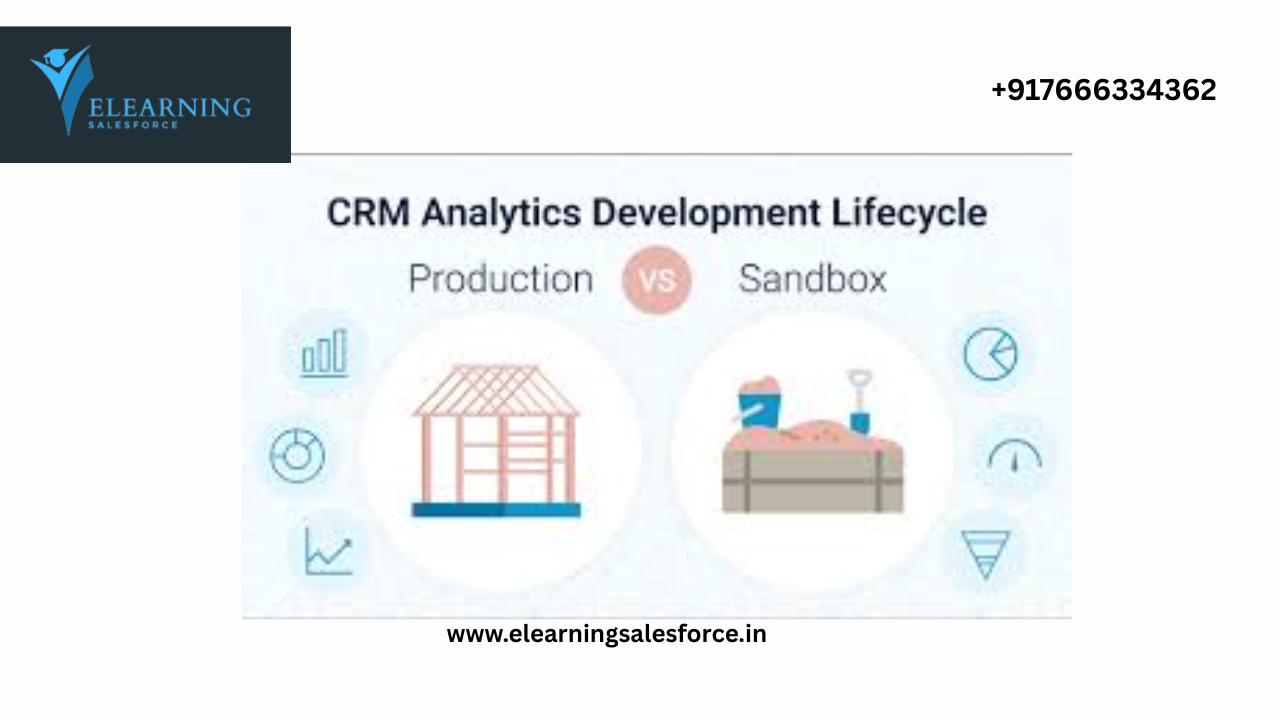
Master the art of safe deployment and smarter CRM management in 202
🚀 Introduction: Why This Comparison Matters
As a Salesforce Admin, you’re the gatekeeper of your organization’s CRM data, workflows, and customizations. But here’s the golden rule:
Never build directly in production.
Enter Sandboxes — your safe, risk-free playground to experiment, test, and perfect before going live. In this blog, we’ll break down the differences between Sandbox and Production, best practices for each, and how to build a flawless release process
🧩 What Is a Sandbox in Salesforce?
A Sandbox is a copy of your Salesforce environment — used for testing, training, and development without affecting live users or real data.
There are 4 main types:
| Sandbox Type | Purpose | Refresh Interval |
| Developer | Basic dev/testing | 1 day |
| Developer Pro | Larger storage | 1 day |
| Partial Copy | Sample production data | 5 days |
| Full | Complete replica of production | 29 days |
✅ All sandboxes are isolated, so you can safely experiment and test
🏢 What Is Production in Salesforce?
Production is your live Salesforce environment — where real users work with real data every day.
Changes here affect your business directly. That’s why you need rigorous testing before deploying anything into production.
🧠 Key Differences: Sandbox vs Production
| Feature | Sandbox | Production |
| Users | Admins & Testers | Real business users |
| Data Type | Sample or copied data | Live transactional data |
| Purpose | Testing, development, training | Day-to-day business operations |
| Risk Level | Safe and reversible | High risk if not tested |
| Customizations | Safe to build & test | Must be stable and verifi |
🧰 Best Practices for Salesforce Admins
✅ 1. Always Use a Sandbox First
- Never build automation, fields, or Flows directly in production.
- Test everything in a Developer or Partial Copy sandbox.
✅ 2. Use Change Sets or DevOps Tools for Deployment
- Deploy changes from sandbox to production using Change Sets
- For complex orgs, use DevOps tools like Gearset, Copado, or AutoRABIT
✅ 3. Refresh Sandboxes Regularly
- Especially for Full or Partial Copy sandboxes
- Ensures your test environment mirrors current production data
✅ 4. Test with Multiple Scenarios
- Don’t just test the “happy path”
- Include negative testing, edge cases, and bulk data scenarios
✅ 5. Use Naming Conventions
- Name Flows, Validation Rules, and Custom Fields with dev or sandbox prefixes during testing (e.g., dev_Lead_Assignment_Flow)
- Helps avoid confusion during deployment
✅ 6. Train Users in Sandboxes
- Use sandboxes for end-user training before go-live
- Helps users become comfortable without impacting live operations
✅ 7. Use Sandboxes for UAT (User Acceptance Testing)
- Let real business users test your features before production deployment
- Gather feedback early and fix issues
🎯 Real-World Example: Rolling Out a New Lead Fl
🔗 Ready to Master Salesforce Admin Tools?
Take hands-on Salesforce Admin courses — perfect for sandbox setup, deployment, and real-world automation.
👉 Start learning he
✅ Final Thoughts
In 2025, smart Salesforce Admins never skip sandboxes.
By understanding when and how to use Sandbox vs Production, you:
- Prevent costly mistakes
- Deliver stable features
- Build stakeholder trust
- Improve user experience
💡 Think of sandboxes as your insurance policy for innovation.
you may be interested in this blog here:-

