
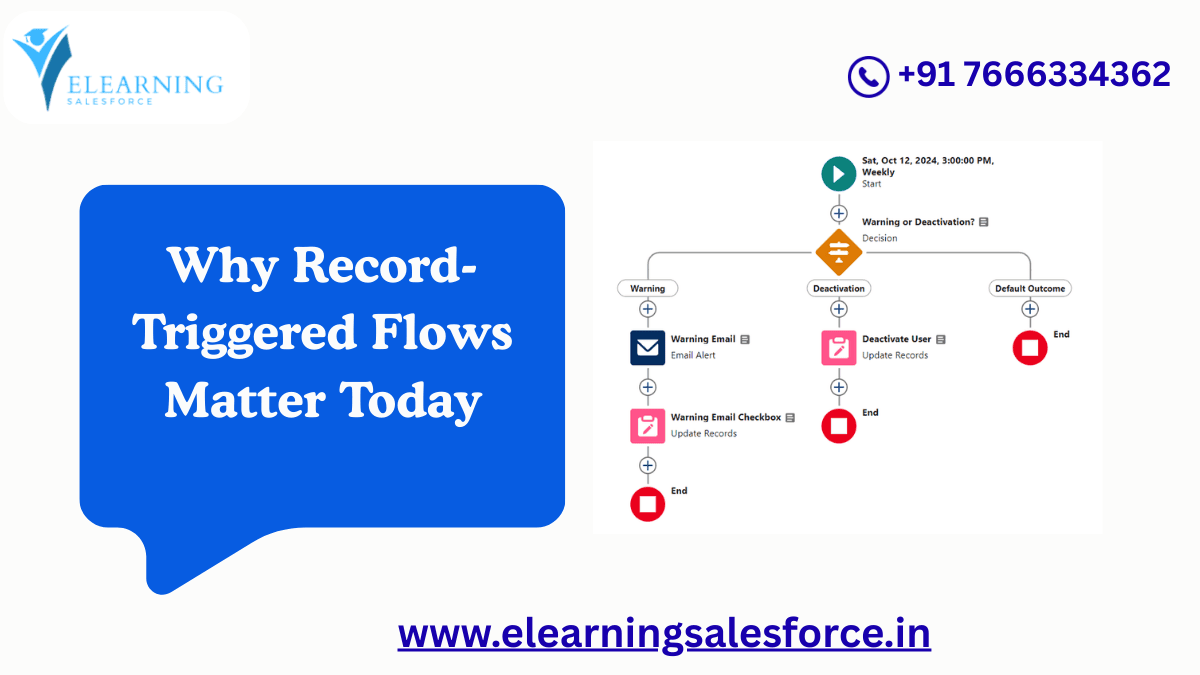
Salesforce automation has evolved rapidly over the last few years. If you are a beginner Salesforce Admin, Developer, or business user, you may have heard that Workflow Rules and Process Builder are being retired. Their replacement is more powerful, flexible, and future-ready — Record-Triggered Flows in Salesforce.
Record-Triggered Flows allow you to automatically run actions when a record is created, updated, or deleted. Instead of writing code, you can visually design automation using clicks, not code. This makes Salesforce automation accessible to beginners while still powerful enough for enterprise-level projects.
In this guide, we will explain Record-Triggered Flows step by step, using real-world examples that mirror actual business scenarios. By the end, you will understand not only what Record-Triggered Flows are, but how and when to use them effectively.
What Are Record-Triggered Flows in Salesforce?
Record-Triggered Flows are Salesforce Flows that automatically run when a record changes in the database.
Simply put:
- A record is created, updated, or deleted
- Salesforce checks conditions
- The flow runs actions automatically
This makes Record-Triggered Flows ideal for automating repetitive business tasks without manual intervention.
Examples include:
- Updating fields automatically
- Sending email alerts
- Creating related records
- Enforcing business rules
- Replacing Apex triggers for simple logic
Why Salesforce Is Pushing Record-Triggered Flows
Salesforce is actively promoting Record-Triggered Flows because they:
- Replace Workflow Rules and Process Builder
- Reduce dependency on Apex code
- Are easier to debug and maintain
- Perform better when designed correctly
- Follow a standardized automation future
From a career perspective, learning Record-Triggered Flows is essential for anyone aiming to become a Salesforce Admin, Consultant, or Automation Specialist.
Key Components of Record-Triggered Flows
Before building examples, let’s understand the building blocks.
Trigger
Defines when the flow runs:
- When a record is created
- When a record is updated
- When a record is created or updated
- When a record is deleted
Entry Conditions
Filters that decide whether the flow should run.
Timing
Two main options:
- Before Save (Fast Field Updates)
- After Save (Actions like emails, record creation)
Flow Elements
- Decision
- Assignment
- Create Records
- Update Records
- Delete Records
- Subflows
Before-Save vs After-Save Flows (Very Important)
This is one of the most important concepts for beginners.
Before-Save Record-Triggered Flow
- Runs before the record is saved to the database
- Best for updating fields on the same record
- Extremely fast and efficient
- No DML limits used
Example use cases:
- Auto-populate fields
- Set default values
- Calculate values
After-Save Record-Triggered Flow
- Runs after the record is saved
- Required for actions like:
- Sending emails
- Creating related records
- Updating other records
Example use cases:
- Send welcome email
- Create follow-up tasks
- Update related objects
Step-by-Step Example 1: Auto-Update a Field (Beginner Level)
Business Scenario
When an Opportunity is created, automatically set the Stage to “Prospecting” if it is blank.
Flow Type
Record-Triggered Flow (Before Save)
Step-by-Step Explanation
- Go to Setup → Flows → New Flow
- Select Record-Triggered Flow
- Choose Object: Opportunity
- Trigger: When record is created
- Entry Condition: Stage Is Null = True
- Choose Before Save
- Use Assignment element to set Stage = Prospecting
- Save and Activate
Result
Every new Opportunity gets a default stage automatically.
This simple automation replaces what earlier required Workflow Rules.
Step-by-Step Example 2: Create a Task Automatically
Business Scenario
When a Lead is converted, create a follow-up Task for the Sales Rep.
Flow Type
Record-Triggered Flow (After Save)
Step-by-Step Explanation
- Create a Record-Triggered Flow on Lead
- Trigger: When record is updated
- Condition: IsConverted = True
- Choose After Save
- Use Create Records element
- Create a Task linked to the converted record
- Assign owner and due date
- Activate the flow
Result
Sales reps never miss follow-ups after lead conversion.
Step-by-Step Example 3: Send Email Alerts Automatically
Business Scenario
Send an email to the manager when a high-value deal is closed.
Flow Design
- Object: Opportunity
- Trigger: Record Updated
- Condition: Stage = Closed Won AND Amount > 100000
- After Save Flow
- Email Alert action
This is a real-world enterprise automation used in many organizations.
How Record-Triggered Flows Replace Apex Triggers
Earlier, developers wrote Apex triggers for:
- Field updates
- Record creation
- Validation logic
Now, Record-Triggered Flows handle:
- Simple logic
- Moderate business rules
- Conditional automation
- Bulk-safe processing
Apex is still needed for complex logic, but Salesforce best practice is:
Flow first, Apex only when necessary
Best Practices for Record-Triggered Flows
To avoid performance issues:
- Use Before-Save flows whenever possible
- Keep entry conditions specific
- Avoid unnecessary loops
- Use one flow per object per timing
- Document flow logic clearly
These practices are critical in real projects.
Current Industry Trends in Salesforce Automation
In 2025 and beyond:
- Flow skills are mandatory for Admin roles
- Companies prefer low-code automation
- Declarative automation is replacing custom code
- Salesforce certifications heavily focus on Flow
If you are planning a Salesforce career, mastering Record-Triggered Flows is non-negotiable.
Common Mistakes Beginners Should Avoid
- Using After-Save flows for simple field updates
- Forgetting entry conditions
- Creating multiple flows that conflict
- Not testing in Sandbox
- Ignoring bulk record behavior
Avoiding these mistakes saves time and prevents production issues.
Who Should Learn Record-Triggered Flows?
This topic is ideal for:
- Salesforce Admin beginners
- Salesforce Developers transitioning to Flow
- Business Analysts
- Company employees managing CRM automation
- Freshers entering the Salesforce ecosystem
Final Thoughts: The Future of Salesforce Automation
Record-Triggered Flows in Salesforce are not just another feature — they are the foundation of modern Salesforce automation. Learning them gives you long-term career stability and the ability to design scalable business solutions without writing code.
As Salesforce continues to move toward low-code platforms, Flow expertise will define the next generation of Salesforce professionals.
Call to Action (CTA)
If you want to master Record-Triggered Flows step by step, explore beginner-to-advanced Salesforce Flow guides, hands-on training, and real project examples. Start practicing today and future-proof your Salesforce career with automation skills that companies demand.
You may be interested in this blog here:
Don’t Fear the Update: Navigating the Challenges of how to implement sap note
Five Top Technology Investment Drivers for 2024
How many dollars worth of RSU does Salesforce typically offer an MTS (experienced hire) on joining?
Integration cloud system to HANA Cloud Platform using Cloud Connector
